
Table of Contents
A critical vulnerability affecting the WPMU DEV Dashboard plugin is being actively exploited. Learn which versions are vulnerable, how attackers achieve remote code execution, how to update safely, and the essential steps to detect and recover from a possible compromise.
Critical WPMU DEV Dashboard Vulnerability Is Under Active Attack
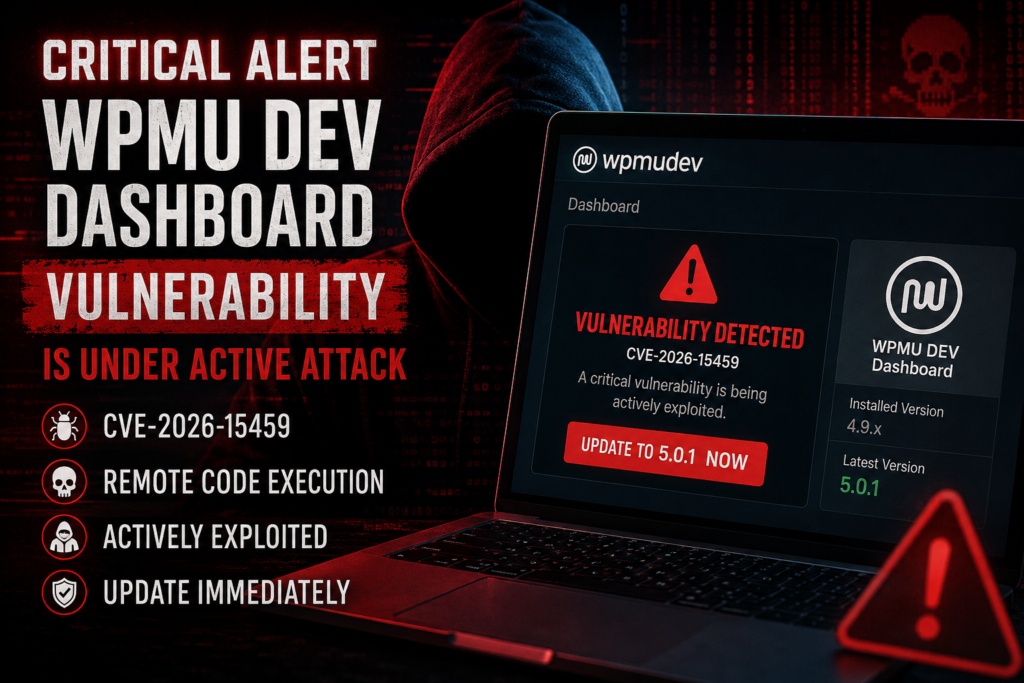
A new security alert is demanding immediate attention from WordPress administrators using the WPMU DEV Dashboard plugin. The vulnerability, tracked as CVE-2026-15459, is already being exploited in real-world attacks, making delayed updates a serious security risk.
Unlike many WordPress vulnerabilities that require administrator interaction, this flaw can allow attackers to gain remote code execution (RCE) on vulnerable websites. Once exploited, attackers may execute arbitrary PHP code, install persistent backdoors, create hidden administrator accounts, modify website files, steal sensitive information, or use the compromised server for additional attacks.
Because the WPMU DEV Dashboard plugin acts as a management hub for numerous WPMU DEV products, thousands of websites may be affected if administrators have not yet installed the security update.
This guide explains everything WordPress site owners need to know, including how to identify vulnerable installations, install the fixed version, investigate potential compromises, and secure affected websites before additional damage occurs.
What Is CVE-2026-15459
CVE-2026-15459 is a critical Remote Code Execution vulnerability affecting the WPMU DEV Dashboard plugin.
The vulnerability allows attackers to execute arbitrary code on vulnerable WordPress servers under specific conditions. Because remote code execution provides direct server-level capabilities, this vulnerability carries one of the highest possible security risks.
Once attackers gain code execution, they may:
- Upload PHP web shells
- Install persistent malware
- Create hidden administrator accounts
- Modify WordPress core files
- Inject malicious JavaScript
- Redirect visitors
- Steal customer information
- Infect additional websites hosted on the same server
Security researchers have reported that exploitation attempts are already occurring in the wild, making immediate patching far more important than waiting for scheduled maintenance windows. Sites that remain unpatched become increasingly attractive targets as automated scanning expands across the internet.
Which WPMU DEV Sites Are Vulnerable
Websites using vulnerable releases of the WPMU DEV Dashboard plugin are affected.
To verify your installation:
- Log into WordPress.
- Open Plugins → Installed Plugins.
- Locate WPMU DEV Dashboard.
- Check the installed version.
If your version is older than the patched release, update immediately.
This issue affects only the Dashboard plugin itself. However, because the Dashboard manages authentication, updates, licensing, and communication between your WordPress installation and WPMU DEV services, compromising this component may expose the entire website. Administrators should therefore treat this issue as a full-site security incident rather than an isolated plugin bug. (WPMU.dev)
How Attackers Gain Remote Code Execution
Remote Code Execution (RCE) is one of the most dangerous categories of software vulnerabilities because it enables attackers to run their own code directly on the server.
A successful attack may follow this sequence:
- The attacker identifies vulnerable websites through automated internet scans.
- A crafted malicious request targets the vulnerable Dashboard installation.
- The vulnerability bypasses intended security protections.
- Arbitrary PHP code executes on the server.
- A permanent backdoor is installed.
- The attacker gains ongoing access even after the original vulnerability is patched.
Once inside the server, attackers frequently perform additional actions including:
Installing web shells
Small PHP scripts provide permanent remote access.
Creating hidden administrator accounts
Attackers often add administrator users that appear legitimate at first glance.
Injecting SEO spam
Spam pages may be generated automatically to manipulate search rankings.
Redirecting visitors
Users may be redirected toward phishing websites, cryptocurrency scams, or malware.
Deploying ransomware
Although less common, attackers may encrypt website files or databases before demanding payment.
Moving laterally
Shared hosting environments become especially vulnerable because compromised accounts may provide opportunities to attack neighboring websites.
For these reasons, simply updating the plugin after exploitation is not enough. A full forensic review should always follow if compromise is suspected.
How to Update to Version 5.0.1

The security fix is available in WPMU DEV Dashboard version 5.0.1.
Follow these steps immediately:
Step 1
Create a complete backup of:
- Files
- Database
- Configuration files
Step 2
Open:
Dashboard → Updates
or
Plugins → Installed Plugins
Step 3
Install version 5.0.1.
Step 4
Confirm that the update completed successfully.
Step 5
Clear all caches:
- WordPress cache
- Server cache
- CDN cache
- Browser cache
Step 6
Verify that the installed version now reports 5.0.1.
Do not postpone this update. Active exploitation means every exposed website remains a potential target until patched. (WPMU.dev)
Signs Your Site May Be Compromised
Updating the plugin prevents future exploitation, but it cannot remove malware that attackers may already have installed.
Investigate your website if you notice any of the following indicators.
Unknown administrator accounts
Review:
Users → All Users
Remove accounts you did not create.
Modified PHP files
Compare WordPress core files against official releases.
Unexpected changes often indicate malware.
New plugins
Attackers frequently upload plugins with harmless-looking names.
Review every installed plugin carefully.
Unknown scheduled tasks
Inspect WP-Cron jobs for suspicious scheduled events.
Unexpected outbound traffic
Large numbers of outbound requests may indicate spam campaigns, botnet participation, or command-and-control communication.
Search engine warnings
Google Safe Browsing may begin displaying malware warnings.
Search Console may also report hacked content.
Website redirects
Unexpected redirects frequently indicate injected malware.
Modified .htaccess
Attackers commonly alter:
- .htaccess
- wp-config.php
- index.php
Review each carefully.
Unknown JavaScript
Inspect source code for unfamiliar external scripts.
New files inside uploads
Attackers often hide PHP files inside:
wp-content/uploads/Any executable PHP file located inside uploads deserves immediate investigation.
Post-Incident Security Checklist
If you believe your website may already have been compromised, perform a complete incident response instead of relying solely on plugin updates.
Update everything
Update:
- WordPress Core
- Themes
- Plugins
- PHP version
Change all passwords
Replace passwords for:
- WordPress users
- Database
- FTP
- SSH
- cPanel
- Hosting account
Rotate API keys
Replace all API credentials including:
- Payment gateways
- SMTP
- Cloud services
- External integrations
Remove unknown users
Delete unauthorized administrator accounts.
Scan the filesystem
Use malware scanners to locate:
- Web shells
- Obfuscated PHP
- Encoded JavaScript
- Suspicious uploads
Review logs
Examine:
- Access logs
- PHP error logs
- Web Application Firewall logs
- Audit logs
These records may reveal the initial compromise and attacker activity. WPMU DEV hosting environments provide access to several log types that can assist investigations. (WPMU.dev)
Restore clean backups
If malware cannot be confidently removed, restore a backup created before the compromise.
Enable a Web Application Firewall
A properly configured WAF helps block many exploitation attempts before they reach WordPress.
Enable Multi-Factor Authentication
Require MFA for all administrator accounts.
Monitor continuously
Continue monitoring for:
- New administrator accounts
- File modifications
- Unexpected plugin installations
- Login anomalies
- Suspicious outbound connections
Ongoing monitoring significantly improves the chances of detecting future attacks early.
Why Immediate Action Matters
Remote Code Execution vulnerabilities are among the most severe security issues affecting WordPress plugins.
Unlike low-risk information disclosure bugs, RCE vulnerabilities can result in complete server compromise within seconds of successful exploitation.
Once attackers obtain server access, they rarely stop at a single website. Shared hosting accounts, additional domains, databases, and customer information may all become targets.
The safest response is straightforward:
- Update immediately.
- Verify your installation.
- Review your logs.
- Investigate for signs of compromise.
- Harden your WordPress environment against future attacks.
Delaying updates during active exploitation significantly increases the likelihood that automated attack campaigns will discover vulnerable installations.
Frequently Asked Questions
Is every WPMU DEV plugin affected?
No. This alert concerns the WPMU DEV Dashboard plugin. Other WPMU DEV plugins are not automatically affected by this specific vulnerability.
Why is Remote Code Execution so dangerous?
It allows attackers to execute arbitrary code on the server, potentially giving them full control of the website.
Is updating enough if my site was already hacked?
No. Updating prevents further exploitation but does not remove malware already installed.
How do I know whether attackers accessed my site?
Review server logs, administrator accounts, modified files, and malware scans for suspicious activity.
Should I change passwords after updating?
Yes. Password rotation is strongly recommended whenever compromise is possible.
Can backups remove malware?
Only if the backup was created before the compromise occurred.
Should shared hosting users be concerned?
Yes. Compromised accounts on shared servers may increase overall security risks.
Do security plugins replace updates?
No. Security plugins complement regular updates but cannot replace them.
How often should I review my logs?
For production websites, reviewing logs weekly or immediately after a security alert is a good practice.
Should I enable two-factor authentication?
Absolutely. MFA greatly reduces the risk of unauthorized administrator access.
WordPress Security
Security incidents serve as reminders that even trusted plugins require timely updates and continuous monitoring. Maintaining an updated WordPress installation, reviewing logs regularly, enforcing strong authentication, and responding quickly to vendor security advisories can dramatically reduce the risk of future compromises. Treat every critical vulnerability as an opportunity to improve your site’s overall security posture rather than simply applying a patch and moving on.
⚠️ Disclaimer and Source Hygiene
This article is provided for educational and informational purposes only. While every effort has been made to ensure accuracy, security guidance evolves rapidly. Always verify the latest vendor advisories and consult qualified cybersecurity professionals if you suspect your website has been compromised.
🔔 For more tutorials like this, consider subscribing to our blog.
📩 Do you have questions or suggestions? Leave a comment or contact us!
🏷️ Tags: WPMU DEV Dashboard vulnerability, CVE-2026-15459, WordPress security, Remote Code Execution, WordPress malware, plugin vulnerability, WordPress update, website security, WordPress hardening, cybersecurity
📢 Hashtags: #WordPress #WPMUDEV #CyberSecurity #WordPressSecurity #CVE202615459 #RemoteCodeExecution #WebsiteSecurity #Malware #WordPressPlugins #InfoSec
Sources and References
- WPMU DEV documentation (Dashboard, Support and Hosting Logs). (WPMU.dev)
- Public CVE databases and WordPress security advisories. (GitHub)
Secondary Sources and Community Reports
- WordPress security community discussions.
- Reddit incident reports describing real-world WordPress compromise investigations. (Reddit)
1 thought on “Critical WPMU DEV Dashboard Under Attack”