
Table of Contents
Looking to improve your WordPress website’s search rankings? Discover five powerful SEO tools that help optimize content, enhance technical SEO, track performance, and increase organic traffic with ease.
Why SEO Tools Are Essential for WordPress
Search engine optimization plays a major role in the success of any WordPress website. Whether you run a personal blog, a business website, or an online store, visibility in search engines can determine how much traffic your site receives.
While WordPress is naturally SEO-friendly, dedicated SEO tools make optimization much easier. They help identify issues, improve content, generate sitemaps, manage metadata, and provide valuable insights into website performance.
Using the right SEO tools can save time while helping your website compete more effectively in search results.
What to Look for in a WordPress SEO Tool
Before choosing an SEO plugin or service, it is important to understand the features that matter most.
Keyword Optimization
Good SEO tools help you optimize pages and posts around target keywords.
Meta Tag Management
The ability to customize SEO titles and meta descriptions is essential.
XML Sitemap Support
Sitemaps help search engines discover and index website content efficiently.
Schema Markup
Structured data improves how your content appears in search results.
Performance Tracking
Monitoring traffic, rankings, and user behavior helps refine your SEO strategy.
Technical SEO Features
Advanced tools identify crawl errors, broken links, indexing issues, and other technical problems.
Yoast SEO
Overview
Yoast SEO remains one of the most popular WordPress SEO plugins available today. It offers a user-friendly interface and powerful optimization features suitable for beginners and experienced users alike.
Key Features
Content Analysis
Yoast reviews your content and provides recommendations for:
- Keyword placement
- Readability
- Sentence length
- Internal linking
- Heading structure
SEO Metadata Management
Users can easily create optimized:
- SEO titles
- Meta descriptions
- Social media previews
XML Sitemap Creation
Automatic sitemap generation helps search engines discover website pages quickly.
Schema Integration
Yoast adds structured data to improve search engine understanding of your content.
Advantages
- Easy setup process
- Excellent documentation
- Strong community support
- Frequent updates
Ideal Users
- Bloggers
- Content creators
- Small businesses
- SEO beginners
Rank Math SEO
Overview
Rank Math has rapidly become one of the most popular alternatives to Yoast SEO. It includes many advanced features without requiring a premium subscription.
Key Features
Multiple Keyword Optimization
Unlike many competitors, Rank Math allows optimization for multiple focus keywords.
Built-In Schema Generator
Supported schema types include:
- Articles
- Products
- Recipes
- Events
- FAQs
- Reviews
Google Search Console Integration
Search performance data can be viewed directly within WordPress.
SEO Scoring System
Each page receives an optimization score based on SEO best practices.
Advantages
- Generous free version
- Modern interface
- Advanced schema support
- Excellent performance
Ideal Users
- Affiliate marketers
- SEO professionals
- Growing websites
- Content publishers
All in One SEO (AIOSEO)

Overview
All in One SEO is another powerful WordPress SEO plugin trusted by millions of website owners worldwide.
Key Features
Smart Setup Wizard
The plugin simplifies configuration through a guided setup process.
Local SEO Optimization
Business owners can optimize:
- Business information
- Contact details
- Local search visibility
WooCommerce SEO Features
Product pages receive specialized optimization options.
Advanced Sitemap Functionality
Support includes:
- XML sitemaps
- Video sitemaps
- News sitemaps
Advantages
- Beginner-friendly
- Strong WooCommerce support
- Excellent local SEO tools
- Flexible settings
Ideal Users
- Local businesses
- Online stores
- Service providers
- Agencies
SEOPress
Overview
SEOPress focuses on providing powerful SEO functionality while maintaining a lightweight footprint.
Key Features
Google Analytics Integration
Track visitor data without leaving the WordPress dashboard.
Structured Data Support
Implement schema markup with minimal effort.
Social Media Optimization
Control how content appears across social platforms.
Redirection Management
Manage redirects to maintain SEO value after URL changes.
Advantages
- Lightweight design
- No intrusive advertisements
- Affordable premium version
- Developer-friendly
Ideal Users
- Developers
- Agencies
- Performance-focused websites
- Budget-conscious site owners
Google Site Kit
Overview
Google Site Kit is Google’s official WordPress plugin that connects multiple Google services to your website.
Key Features
Google Search Console Integration
Monitor:
- Search impressions
- Click-through rates
- Search queries
- Indexing performance
Google Analytics Integration
Track user behavior and traffic sources.
PageSpeed Insights
Analyze website speed and Core Web Vitals performance.
Google AdSense Integration
Monitor advertising revenue and performance directly from WordPress.
Advantages
- Official Google solution
- Accurate reporting
- Free to use
- Easy installation
Ideal Users
- AdSense publishers
- Bloggers
- Business websites
- Data-driven marketers
Comparing the Five SEO Tools
| SEO Tool | Best For | Free Version | Schema Support | WooCommerce Support |
|---|---|---|---|---|
| Yoast SEO | Beginners | Yes | Yes | Yes |
| Rank Math | Advanced SEO | Yes | Excellent | Yes |
| AIOSEO | Businesses | Yes | Yes | Excellent |
| SEOPress | Performance | Yes | Yes | Yes |
| Google Site Kit | Analytics | Yes | No | Limited |
How to Choose the Right SEO Tool
Choose Yoast SEO If
- You are new to SEO.
- You want guided optimization.
- Content creation is your priority.
Choose Rank Math If
- You need advanced features.
- You target multiple keywords.
- Schema markup is important.
Choose AIOSEO If
- You run a business website.
- Local SEO matters.
- You manage an online store.
Choose SEOPress If
- Performance is a priority.
- You prefer a clean interface.
- You manage multiple websites.
Choose Google Site Kit If
- You need Google data.
- Analytics is your focus.
- You use Google AdSense.
SEO Best Practices Beyond Plugins
Publish High-Quality Content
Search engines reward useful, informative, and original content.
Optimize Website Speed
Fast-loading websites improve user experience and rankings.
Build Internal Links
Internal links help visitors navigate your site and assist search engines in understanding content relationships.
Optimize Images
Use compressed images and descriptive alt text.
Keep Plugins Updated
Regular updates improve security, compatibility, and performance.
Monitor SEO Performance
Review analytics and search data regularly to identify opportunities for improvement.
Common SEO Mistakes to Avoid
Keyword Stuffing
Overusing keywords can hurt rankings and reduce readability.
Ignoring Mobile Optimization
Most website traffic now comes from mobile devices.
Missing Meta Descriptions
Well-written meta descriptions can improve click-through rates.
Broken Internal Links
Broken links create a poor user experience and can impact SEO.
Duplicate Content
Unique content helps avoid ranking issues.
Frequently Asked Questions
What is the best SEO tool for WordPress?
Yoast SEO and Rank Math are among the most popular options, while AIOSEO and SEOPress offer excellent alternatives.
Are WordPress SEO plugins free?
Most SEO plugins provide free versions with optional premium upgrades.
Can I install multiple SEO plugins?
Using multiple SEO plugins simultaneously is not recommended because conflicts can occur.
Do SEO tools guarantee first-page rankings?
No. SEO tools assist optimization, but rankings depend on many factors including content quality and competition.
What is schema markup?
Schema markup is structured data that helps search engines understand content more effectively.
Is Rank Math better than Yoast SEO?
Both are excellent. Rank Math offers more advanced free features, while Yoast focuses on simplicity and ease of use.
Does Google Site Kit replace an SEO plugin?
No. Google Site Kit provides analytics and performance data but does not perform SEO optimization.
Which SEO plugin is best for WooCommerce?
AIOSEO and Rank Math provide strong WooCommerce optimization features.
How often should SEO audits be performed?
Monthly audits are recommended for most websites.
Can SEO improve website traffic?
Yes. Effective SEO can significantly increase organic traffic over time.
Building Long-Term SEO Success
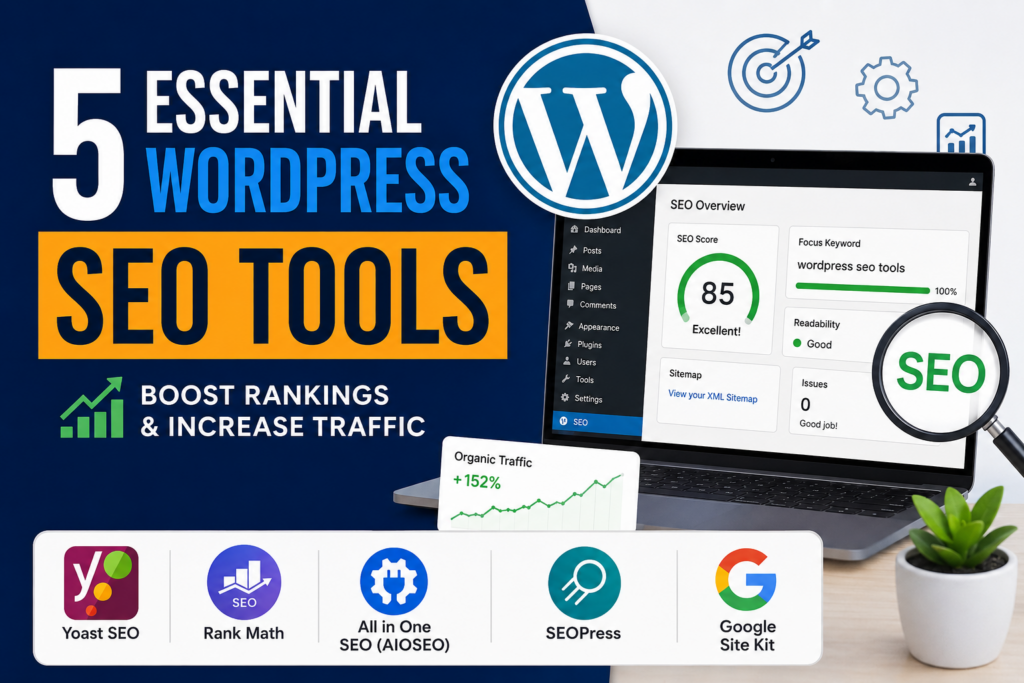
WordPress SEO tools provide a powerful foundation for improving search visibility and growing organic traffic. Yoast SEO, Rank Math, AIOSEO, SEOPress, and Google Site Kit each offer unique strengths that can help website owners achieve their goals.
The most successful SEO strategy combines the right tools with high-quality content, fast website performance, strong technical optimization, and consistent monitoring. By investing time in SEO today, you can create sustainable traffic growth and improve your website’s long-term success.
⚠️ Disclaimer and Source Hygiene
This article is for informational purposes only. SEO algorithms and best practices change regularly. Always consult official plugin documentation and professional SEO resources before implementing major optimization changes. Information presented here is based on research from authoritative industry sources and official documentation.
🔔 For more tutorials like this, consider subscribing to our blog.
📩 Do you have questions or suggestions? Leave a comment or contact us!
🏷️ Tags: WordPress SEO, SEO Tools, Yoast SEO, Rank Math, AIOSEO, SEOPress, Google Site Kit, Technical SEO, Search Engine Optimization, WordPress Plugins
📢 Hashtags: #WordPress #SEO #SEOPlugins #YoastSEO #RankMath #AIOSEO #SEOPress #GoogleSiteKit #DigitalMarketing #WebDevelopment
📚 Sources and References
- WordPress.org Plugin Directory
- Yoast SEO Documentation
- Rank Math Documentation
- All in One SEO Documentation
- SEOPress Documentation
- Google Site Kit Documentation
- Google Search Central
- Google Analytics Help Center
- Search Console Help Center
🕊️ Secondary Sources and Testimonials
- Search Engine Journal
- Ahrefs Blog
- Moz SEO Learning Center
- SEMrush Blog
- WPBeginner
- HubSpot SEO Resources
- Kinsta Blog
- Case studies from WordPress website owners and SEO professionals worldwide.