
Table of Contents
Discover the top 5 AlmaLinux tricks that can improve server performance, security, and administration. Learn practical commands and techniques that help system administrators manage AlmaLinux servers more efficiently and confidently.
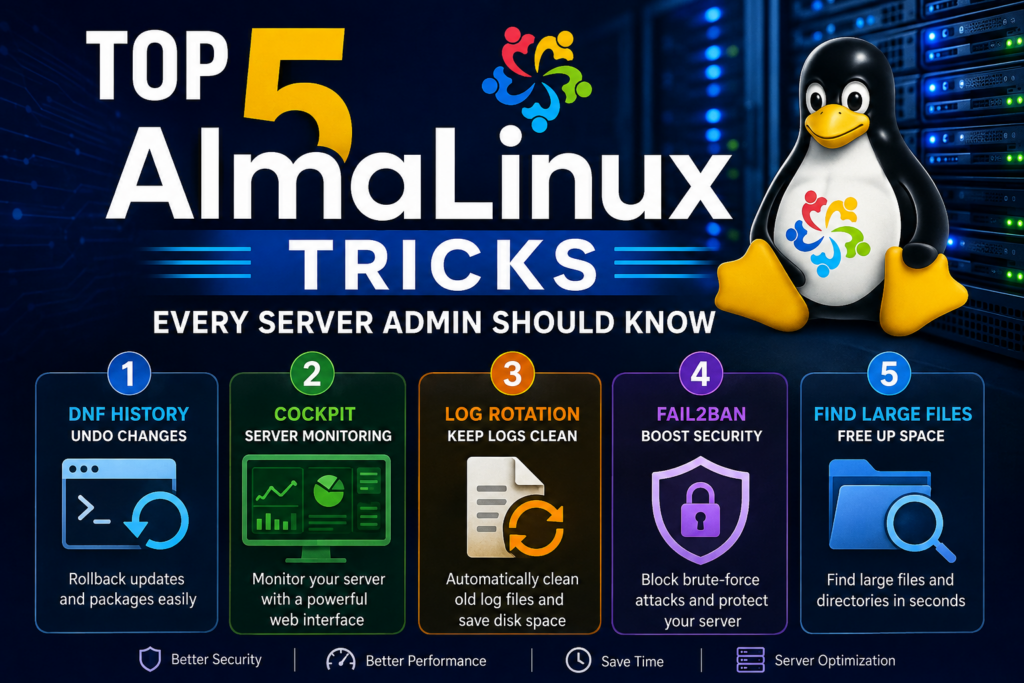
Top 5 AlmaLinux Tricks Every Server Admin Should Know
AlmaLinux has become one of the most popular enterprise Linux distributions since the end of CentOS Linux. It offers excellent stability, long-term support, and full binary compatibility with Red Hat Enterprise Linux.
Whether you manage a personal VPS, a WordPress hosting environment, or a large production server, knowing a few advanced AlmaLinux tricks can save time and improve security. Many administrators use only the basic commands, but AlmaLinux includes powerful tools that often remain overlooked.
In this guide, you will discover five practical AlmaLinux tricks that can help optimize your server, automate tasks, and simplify management.
Trick #1: Use DNF History to Undo System Changes
One of the most useful AlmaLinux features is the DNF package manager history.
Every package installation, removal, or update is logged automatically. If something breaks after an update, you can quickly identify and reverse the changes.
View DNF History
dnf history
Example output:
ID | Command Line | Date and Time
1  | update       | 2026-06-18
2  | install php  | 2026-06-17
Undo a Transaction
dnf history undo 2
This feature is extremely valuable when testing software updates or troubleshooting package conflicts.
Benefits
- Quick recovery from mistakes
- Easier troubleshooting
- Reduced downtime
- Better change tracking
Trick #2: Monitor Real-Time Server Performance with Cockpit
AlmaLinux includes support for Cockpit, a powerful web-based administration interface.
Many administrators rely entirely on SSH, but Cockpit provides a visual dashboard for monitoring server health.
Install Cockpit
dnf install cockpit -y
Enable Cockpit
systemctl enable --now cockpit.socket
Open Firewall Access
firewall-cmd --permanent --add-service=cockpit
firewall-cmd --reload
You can then access:
https://your-server-ip:9090
What You Can Monitor
- CPU usage
- Memory usage
- Storage utilization
- Running services
- Network activity
- System logs
For WordPress administrators, Cockpit offers a convenient way to monitor server resources without constantly using terminal commands.
Trick #3: Automatically Clean Old Log Files
Log files can grow quickly and consume valuable disk space.
AlmaLinux uses Logrotate to manage logs automatically, but many administrators never customize it.
Check Logrotate Configuration
cat /etc/logrotate.conf
Force a Log Rotation
logrotate -f /etc/logrotate.conf
Example Custom Configuration
/var/log/custom.log {
    weekly
    rotate 4
    compress
    missingok
}
This configuration:
- Rotates logs weekly
- Keeps four archives
- Compresses old logs
- Prevents errors if logs are missing
Why It Matters
Large log files can:
- Fill disk space
- Slow backups
- Impact performance
Regular log management helps maintain a healthy server environment.
Trick #4: Improve Security with Fail2Ban

Brute-force attacks occur constantly on public servers.
Fail2Ban automatically blocks suspicious IP addresses after repeated failed login attempts.
Install Fail2Ban
dnf install epel-release -y
dnf install fail2ban -y
Start the Service
systemctl enable --now fail2ban
Check Status
fail2ban-client status
Monitor SSH Protection
fail2ban-client status sshd
Benefits
- Blocks automated attacks
- Reduces server load
- Improves SSH security
- Works with multiple services
This is one of the easiest security improvements every AlmaLinux server should implement.
Trick #5: Find Large Files Instantly
Disk space problems are common on VPS and dedicated servers.
Instead of manually checking directories, AlmaLinux allows you to quickly locate large files.
Find Files Larger Than 100MB
find / -type f -size +100M
Find the Largest Directories
du -h / | sort -hr | head -20
Check Overall Disk Usage
df -h
Common Space Hogs
- Backup archives
- Log files
- Database dumps
- Old website files
- Cache directories
Regular disk audits help prevent unexpected storage issues.
Bonus Trick: Keep AlmaLinux Updated Automatically
Security updates are critical for every server.
Install the DNF automatic update service:
dnf install dnf-automatic -y
Enable automatic updates:
systemctl enable --now dnf-automatic.timer
Verify status:
systemctl status dnf-automatic.timer
This ensures important security patches are applied without manual intervention.
Why AlmaLinux Is Popular for WordPress Hosting
Many hosting providers and VPS administrators choose AlmaLinux because it offers excellent stability and compatibility with popular hosting software such as:
- cPanel
- WHM
- Apache HTTP Server
- Nginx
- MariaDB
- PHP
The operating system provides enterprise-level reliability while remaining free and community-driven.
Frequently Asked Questions
What is AlmaLinux?
AlmaLinux is a free enterprise Linux distribution that is fully compatible with Red Hat Enterprise Linux.
Is AlmaLinux good for WordPress hosting?
Yes. AlmaLinux is widely used for WordPress hosting because it is stable, secure, and compatible with cPanel and major web hosting software.
Is AlmaLinux better than CentOS?
Since CentOS Linux was discontinued, many administrators migrated to AlmaLinux because of its long-term support and enterprise compatibility.
How often should I update AlmaLinux?
Security updates should be installed regularly. Weekly checks are recommended, although automatic updates can simplify the process.
Does AlmaLinux support cPanel?
Yes. AlmaLinux is one of the officially supported operating systems for cPanel.
Can beginners use AlmaLinux?
Yes. While AlmaLinux is designed for enterprise environments, beginners can easily manage servers using Cockpit and basic terminal commands.
What package manager does AlmaLinux use?
AlmaLinux uses DNF, which is the modern replacement for YUM.
Is AlmaLinux free?
Yes. AlmaLinux is completely free and open source.
AlmaLinux
AlmaLinux is an excellent operating system for VPS hosting, WordPress websites, and enterprise workloads. Learning a few advanced tricks can dramatically improve server management. Features like DNF history, Cockpit monitoring, Fail2Ban protection, log rotation, and disk usage analysis help administrators maintain faster, safer, and more reliable servers.
Even small optimizations can save hours of troubleshooting and significantly enhance the overall health of your server.
⚠️ Disclaimer and Source Hygiene
This article is intended for educational and informational purposes only. Server configurations may vary depending on your environment. Always test commands on a staging system before applying them to production servers. Information is based on official AlmaLinux documentation and widely accepted Linux administration practices.
🔔 For more tutorials like this, consider subscribing to our blog.
📩 Do you have questions or suggestions? Leave a comment or contact us!
🏷️ Tags: AlmaLinux, Linux Server, VPS Hosting, System Administration, AlmaLinux Tips, Linux Security, Fail2Ban, Cockpit, DNF Commands, Server Optimization
📢 Hashtags: #AlmaLinux, #LinuxAdmin, #VPSHosting, #ServerManagement, #SysAdmin, #LinuxTips, #WebHosting, #cPanel, #WordPressHosting, #ServerSecurity
📚 Sources and References
- AlmaLinux Official Documentation
- DNF Package Manager Documentation
- Cockpit Project Documentation
- Fail2Ban Documentation
🕊️ Secondary Sources and Testimonials
- Linux system administrator best practices
- Hosting industry recommendations
- Community feedback from AlmaLinux server users
- Enterprise Linux deployment experiences
Sign in with a Subscriber account to vote.