
Table of Contents
WordPress 7.1 RC4 represents the final testing stage before the stable release. Here is what WordPress administrators, GeneratePress users, plugin developers, and site owners should test before updating production websites, including themes, custom plugins, responsive styles, the Block Editor, backups, and compatibility checks.
WordPress 7.1 RC4: The Last Compatibility Check
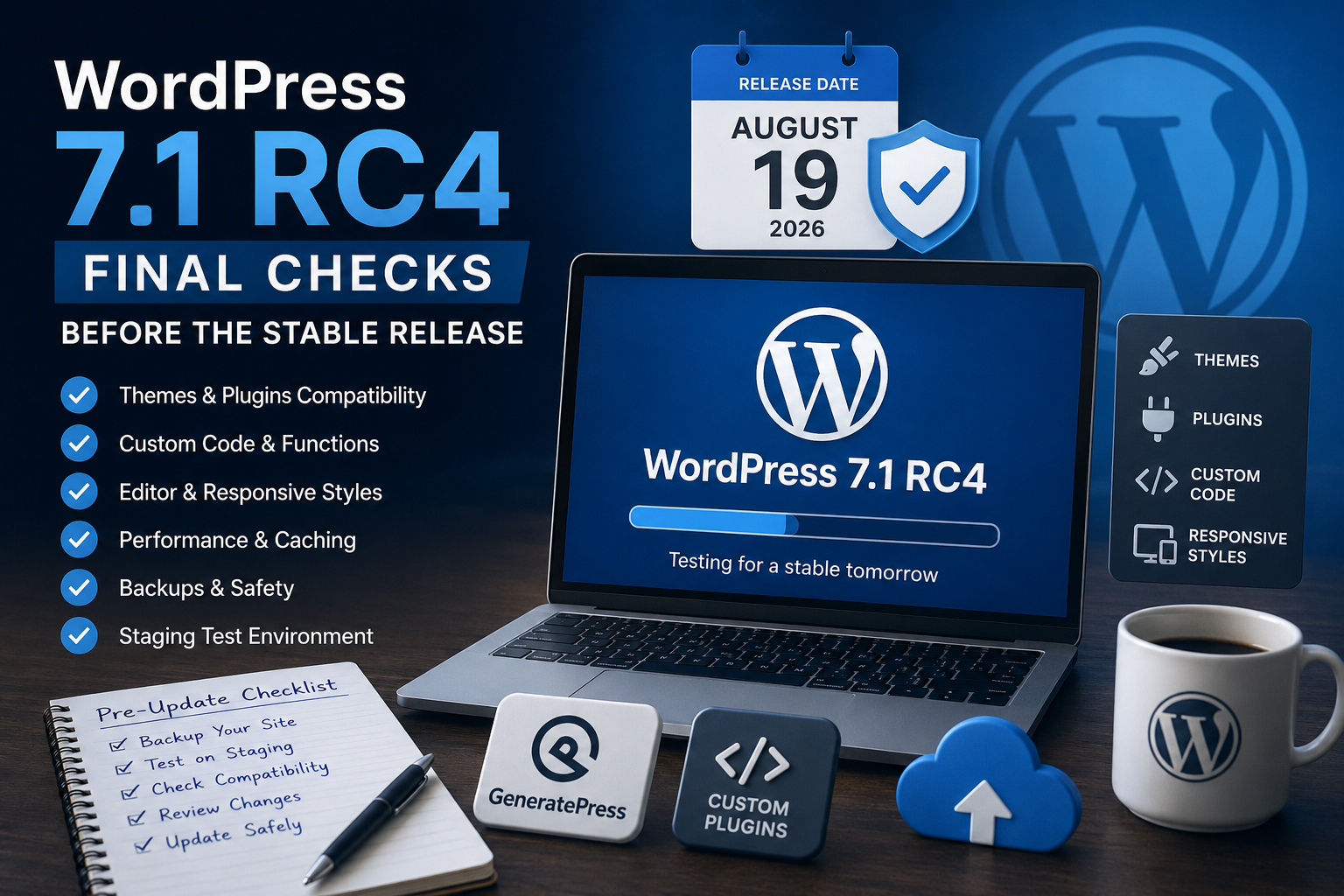
WordPress 7.1 RC4 arrives at the end of the WordPress 7.1 development cycle, when attention has shifted almost entirely from adding features to finding regressions and release-blocking problems. For website owners, this is the ideal moment to create a staging copy of an existing WordPress site and test the complete environment rather than concentrating only on WordPress Core. Themes, plugins, MU-plugins, PHP snippets, custom hooks, caching systems, the Block Editor, REST API integrations, scheduled tasks, and front-end layouts should all behave exactly as expected. WordPress 7.1 itself introduces notable developer and editor changes, including responsive styling capabilities, pseudo-state styling, collaboration improvements, and other enhancements documented throughout the development cycle. The official schedule targets the stable WordPress 7.1 release for August 19, 2026, following the August 18 dry run and 24-hour code freeze.
What Changed in RC4
RC4 should be viewed primarily as a stabilization build rather than another feature release. At this stage, developers focus on regressions, compatibility problems, and bugs discovered during previous Release Candidates. That distinction matters because a site working correctly on RC4 provides a much stronger compatibility signal for the final version than testing an early beta. However, administrators should still examine PHP logs, browser console errors, deprecated-function warnings, REST API responses, scheduled tasks, AJAX operations, login behavior, and caching. Custom code deserves particular attention because even a small Core behavior change can expose assumptions that remained unnoticed on older WordPress versions. The goal is not simply to confirm that the homepage loads. Test publishing, editing, media uploads, menus, forms, search, authentication, comments, WooCommerce functionality when applicable, and important administrative workflows.
When WordPress 7.1 Will Be Released
The official WordPress release schedule sets August 19, 2026 as the general availability date for WordPress 7.1. The final preparation period included the release-candidate phase, followed by the August 18 dry run and a 24-hour code freeze. WordPress describes 7.1 as the second major release of 2026, with the final phase dedicated to testing and resolving bugs rather than introducing late enhancements. Site administrators do not need to install the stable release within minutes of availability. A sensible production strategy is to confirm backups, review compatibility information for essential plugins and themes, and then perform the update during a period when the website can be monitored. Developers maintaining business-critical sites may prefer to complete their RC testing first and use those results as the baseline for the production upgrade.
Why RC4 Is Not for Production
A Release Candidate can look and behave almost exactly like the finished WordPress release, but it remains development software. RC builds exist so developers, hosting companies, theme authors, plugin maintainers, and experienced testers can identify problems before millions of production websites receive the update. WordPress consistently recommends testing prerelease builds on a separate test server, staging installation, local development environment, or disposable testing site instead of a production or mission-critical website. Create a staging clone that uses the same PHP version, database configuration, theme, plugins, MU-plugins, caching setup, and important server settings as production. That environment provides much more meaningful results than installing RC4 on an empty WordPress installation. Enable WP_DEBUG and review debug.log during testing, but never display PHP errors publicly on a live website.
Testing GeneratePress and Custom Plugins

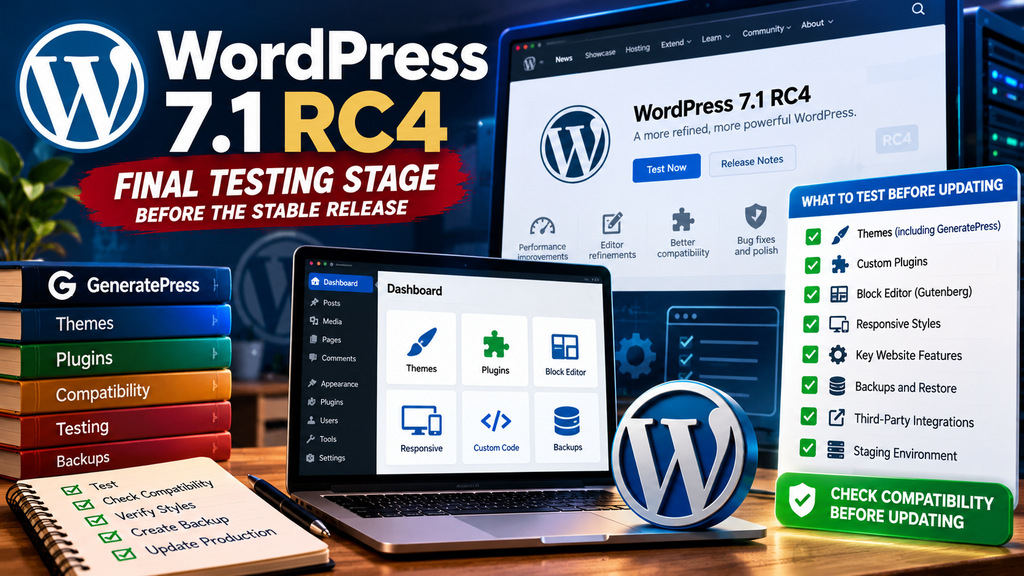
GeneratePress users should test both the parent theme and any GeneratePress child theme containing custom PHP, CSS, hooks, Elements, filters, or template modifications. Open several single posts, pages, archives, category pages, search results, 404 pages, and mobile layouts. Confirm that sidebars, navigation menus, featured images, excerpts, pagination, breadcrumbs, advertisements, and custom Elements remain positioned correctly. Custom plugins and MU-plugins require an equally careful review. Check wp-content/plugins/ and wp-content/mu-plugins/ for code that modifies queries, canonical URLs, sitemaps, caching headers, REST endpoints, login behavior, image attributes, excerpts, or editor functionality. Watch the PHP error log while navigating both wp-admin and the public site. A plugin that appears visually normal can still generate warnings, deprecated notices, failed AJAX requests, or REST API errors after a Core update.
Checking the Editor and Responsive Styles
The Block Editor deserves dedicated testing because WordPress 7.1 expands several editing and design capabilities. The WordPress 7.1 roadmap highlights responsive styling and pseudo-state styling among the release’s important improvements, alongside collaboration and editor enhancements. Create a temporary post containing common blocks such as Group, Columns, Cover, Image, Gallery, Buttons, Heading, Paragraph, Query Loop, and navigation-related elements. Test desktop, tablet, and mobile presentation carefully, especially when your theme or child theme already supplies custom media queries. Existing CSS can sometimes override new Core-generated styles or produce unexpected specificity conflicts. Also test reusable design patterns, theme.json settings, Global Styles, copy-and-paste operations, media insertion, post saving, revisions, previews, and publishing. The important question is not whether the editor opens, but whether the complete editing workflow remains reliable.
Preparing a Safe WordPress 7.1 Update
Before installing stable WordPress 7.1, create a complete backup containing both the database and wp-content, and confirm that the backup can actually be restored. Update important themes and plugins, record the currently installed versions, check available disk space, and verify that scheduled backups are functioning. If possible, clone production to staging and perform the WordPress 7.1 upgrade there first. Clear page caches, persistent object caches, OPcache, CDN caches, and browser caches when necessary so old assets do not disguise compatibility problems. After the production update, immediately inspect the homepage, several posts and pages, wp-admin, the Block Editor, forms, login/logout, search, mobile navigation, sitemap, scheduled tasks, and PHP error logs. This controlled approach turns a major WordPress upgrade into a predictable maintenance operation instead of an emergency troubleshooting session.
Frequently Asked Questions
What is WordPress 7.1 RC4?
WordPress 7.1 RC4 is a late Release Candidate intended to help developers and website owners identify remaining compatibility problems before the stable WordPress 7.1 release.
Is WordPress 7.1 RC4 safe for a live website?
No. Pre-release WordPress versions should be evaluated on staging, development, or local installations rather than production and mission-critical websites.
When is WordPress 7.1 scheduled for release?
The official release schedule targets August 19, 2026 for WordPress 7.1 general availability.
Should I test GeneratePress with WordPress 7.1?
Yes. Test GeneratePress, GP Premium components, your child theme, custom CSS, hooks, Elements, and any custom PHP modifications your website depends on.
Should MU-plugins be tested?
Absolutely. MU-plugins execute automatically and can modify important WordPress behavior, so they should receive the same compatibility testing as conventional plugins.
What should I check inside the Block Editor?
Test creating, editing, saving, previewing, and publishing content. Also verify common blocks, Global Styles, responsive layouts, media handling, patterns, and custom editor CSS.
Should I disable caching during testing?
Temporarily bypassing or clearing caching can make troubleshooting easier. Afterwards, enable your normal caching stack and test again because cache compatibility is also important.
Do I need a backup before WordPress 7.1?
Yes. Keep a complete database and filesystem backup and, ideally, verify that you know how to restore it before starting the production update.
Should I update immediately when WordPress 7.1 appears?
Not necessarily within the first minutes. Complete your compatibility checks, verify backups, check critical plugin and theme updates, and upgrade when you can monitor the website afterward.
Your Final WordPress 7.1 Readiness Check
This article is provided for educational and informational purposes. WordPress release schedules and prerelease details can change if developers discover release-blocking problems. Always verify critical release information against official WordPress documentation and test major updates on staging before modifying a production website. The technical information in this article is based primarily on official WordPress.org and Make WordPress Core documentation.
⚠️ Disclaimer and Source Hygiene
This article is provided for educational and informational purposes only.
🔔 For more tutorials like this, consider subscribing to our blog.
📩 Do you have questions or suggestions? Leave a comment or contact us!
🏷️ Tags: WordPress 7.1 RC4, WordPress 7.1, WordPress update, WordPress testing, GeneratePress, WordPress plugins, WordPress staging, Block Editor, responsive styles, WordPress compatibility
📢 Hashtags: #WordPress, #WordPress71, #WordPressRC4, #GeneratePress, #WordPressUpdate, #WordPressDevelopment, #WordPressTips, #WebDevelopment, #WordPressSecurity, #BlockEditor
📚 Sources and References
Official information was verified against the:
🕊️ Secondary Sources and Testimonials
Compatibility observations should always be validated against the documentation and release notes supplied by individual theme and plugin developers. Community reports can help identify edge cases, but they should complement rather than replace official WordPress Core documentation.
Sign in with a Subscriber account to vote.